Microsoft released a security updates for Windows 7 on the 11/11/2015 with the number KB3097877 & KB3101746. These updates caused Microsoft Office programs, like Outlook and PowerPoint crashed uncontrollable and with no warning.
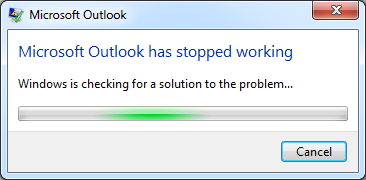
Outlook 2010 crashing
These updates should be uninstalled and this manual explains how that is done.
Step 1. Go to the “Control panel” and chose “Programs and Features”.
Step 2. In the menu at top left corner choose “View installed updates”.
Step 3. In the search field in the top right corner, you enter
KB3097877
Step 4. When KB3097877 is found, right click the update and choose “Uninstall”. When the uninstallation is done, the computer asks for a restart. Restart the computer and the problem should be gone.
Step 5. Repeat for KB3101746
Step 5. Once the computer is restarted the second time, you will need to click ‘Start’, ‘All Programs’ then ‘Windows Update’ and check for updates (this process may take some time)
Step 6. When the updates have been found click on ‘2 Important Updates are available’
Right click on the update a select ‘Hide Update’ on both updates ( KB3097877 & KB3101746)
Click ok and continue as normal
